Project
BloomOps
Inventory management system for florists — track stock, manage products, record shipments, fulfill orders, and monitor financials from one dashboard.
Origin
My father has run a flower shop in Šibenik for over sixty years. When I started looking at how the business actually operated, I found that inventory had never been tracked in any system — not even a spreadsheet. Stock levels lived in memory. Supplier orders were negotiated by phone and logged on scraps of paper. The shape of the month's profit wasn't known until the month was over.
This wasn't carelessness. It was a system that had worked well enough for decades. But it meant that nothing was visible at a glance, and nothing could be handed to anyone else without losing continuity. I built BloomOps to fix that — for him first, and for florists generally.
Solution
BloomOps is an all-in-one operations tool built specifically for flower shop owners. It brings products, suppliers, shipments, orders, and financial reporting into a single authenticated interface, keeping the full picture of the business visible at a glance — without requiring the owner to carry that picture in their head.
Core features
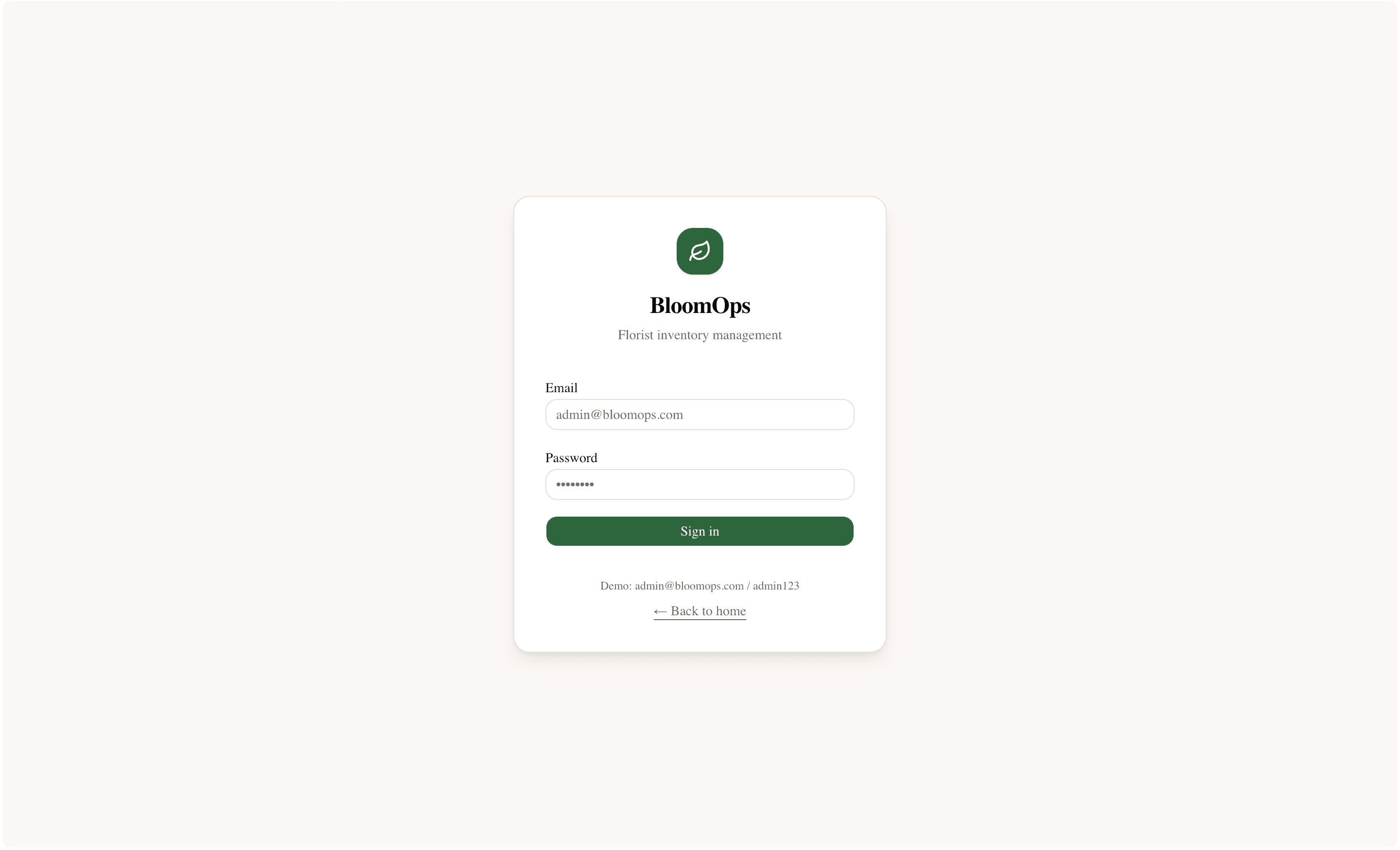
- Auth and protected routes
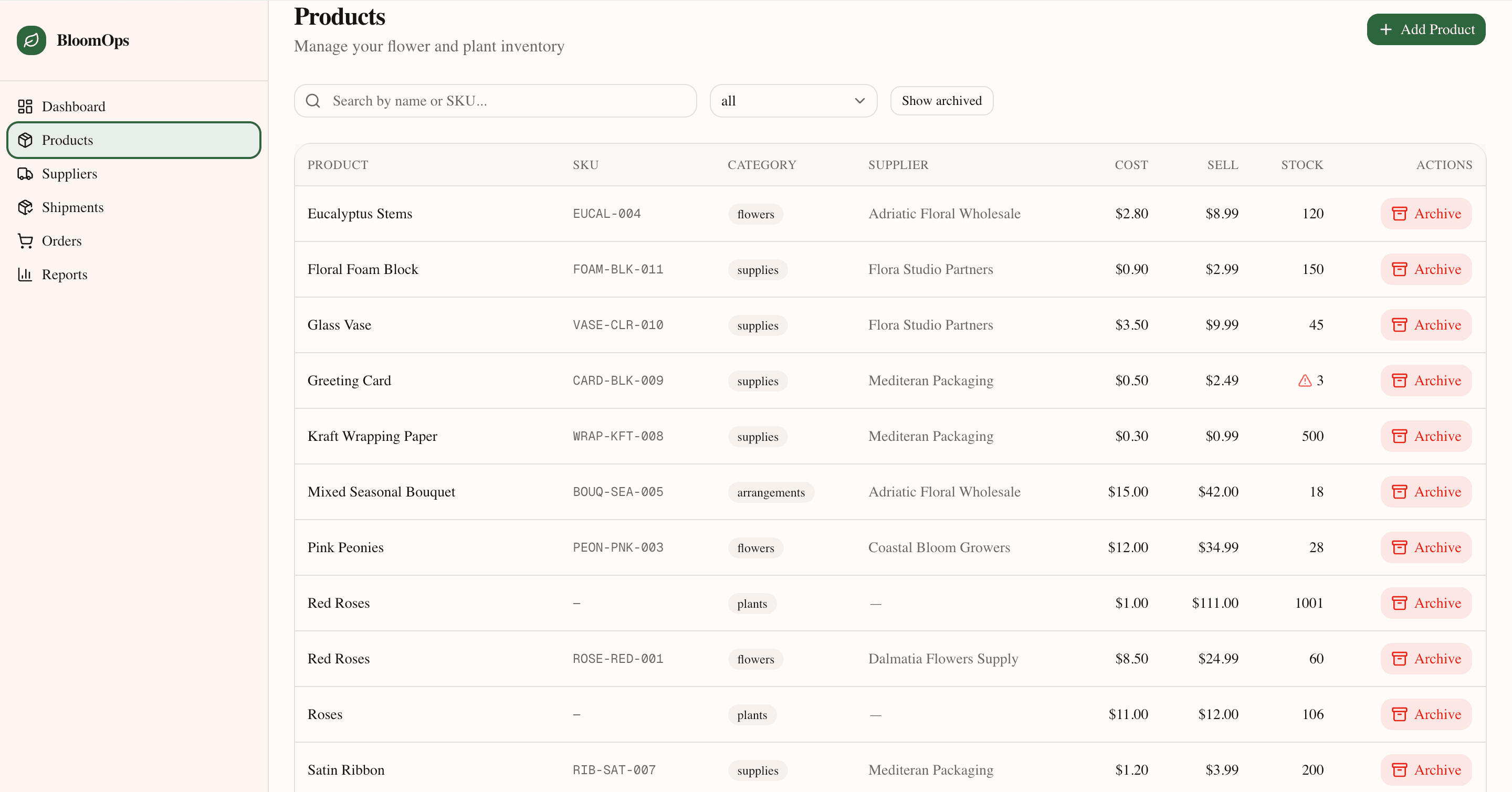
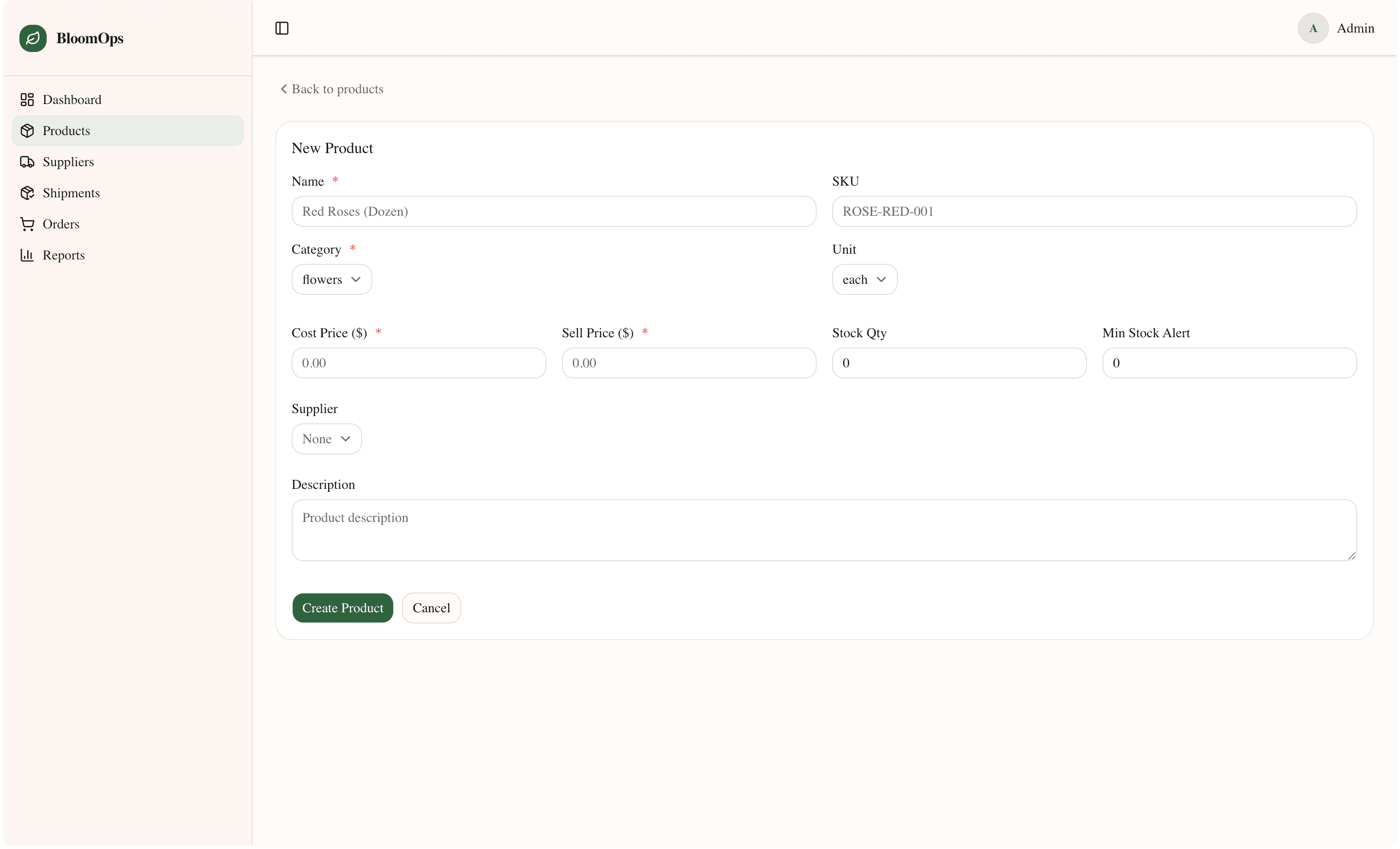
- Product inventory with SKU, cost & sell pricing, and stock quantity
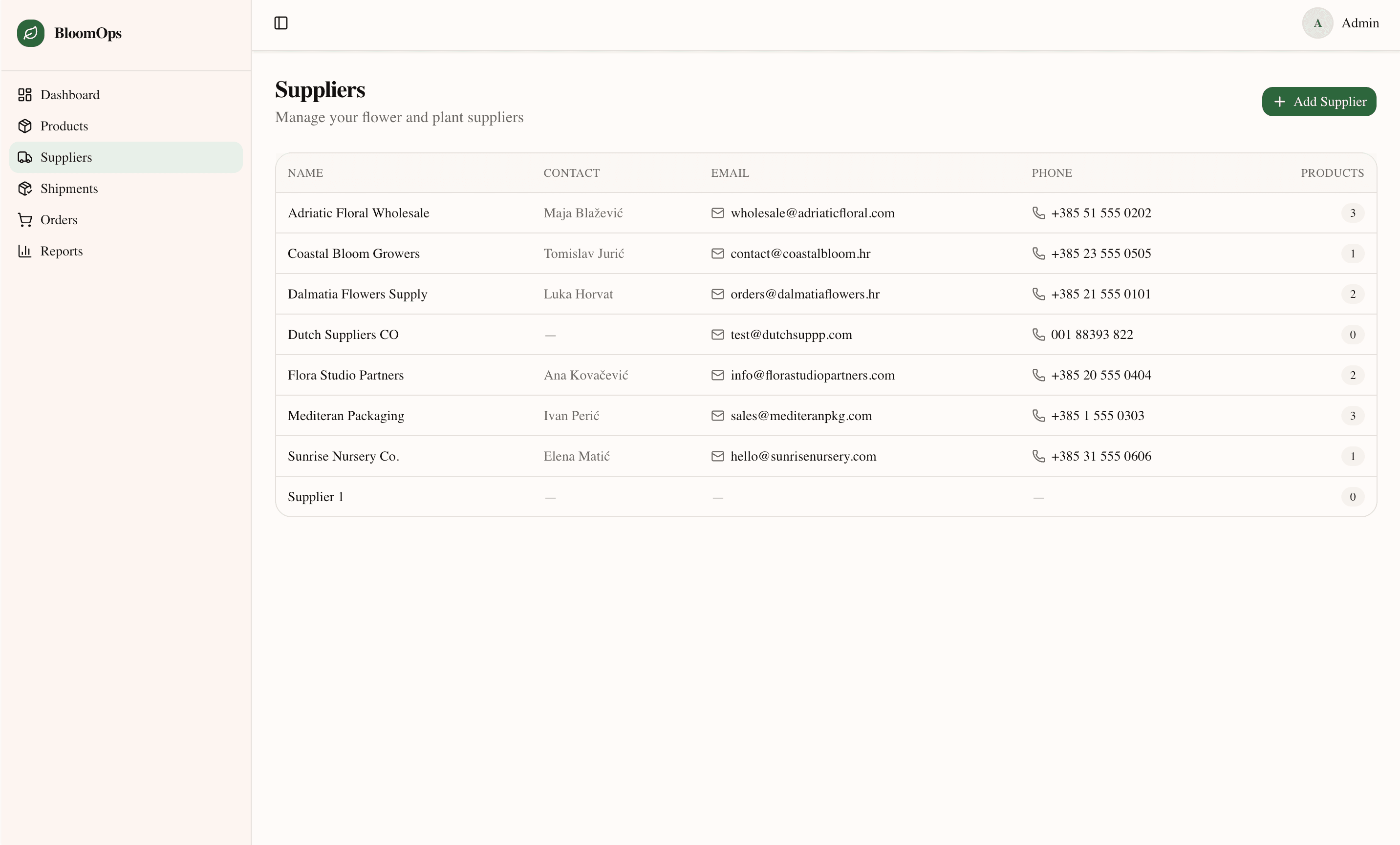
- Supplier management with contact details
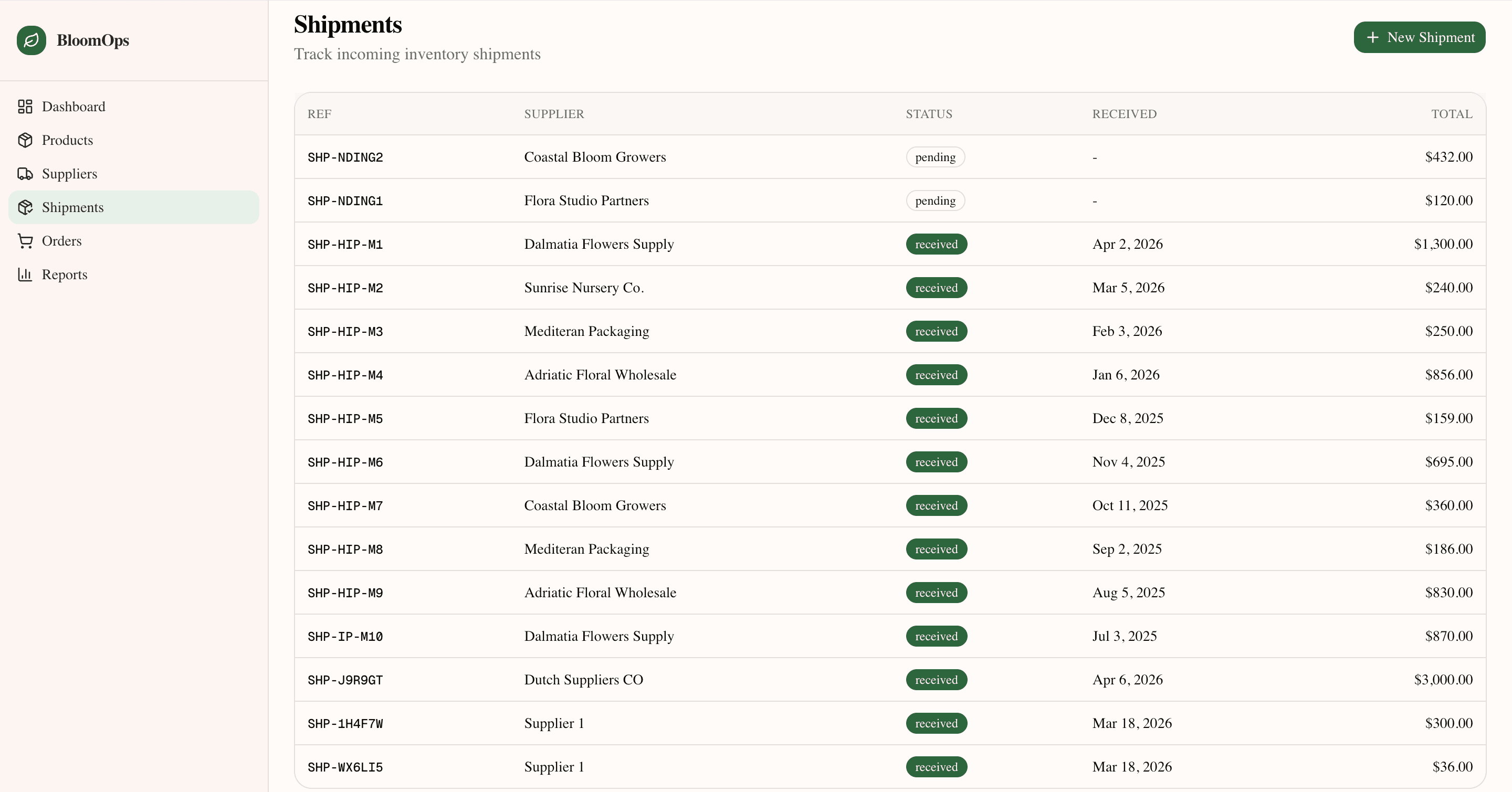
- Shipment recording to increase stock levels
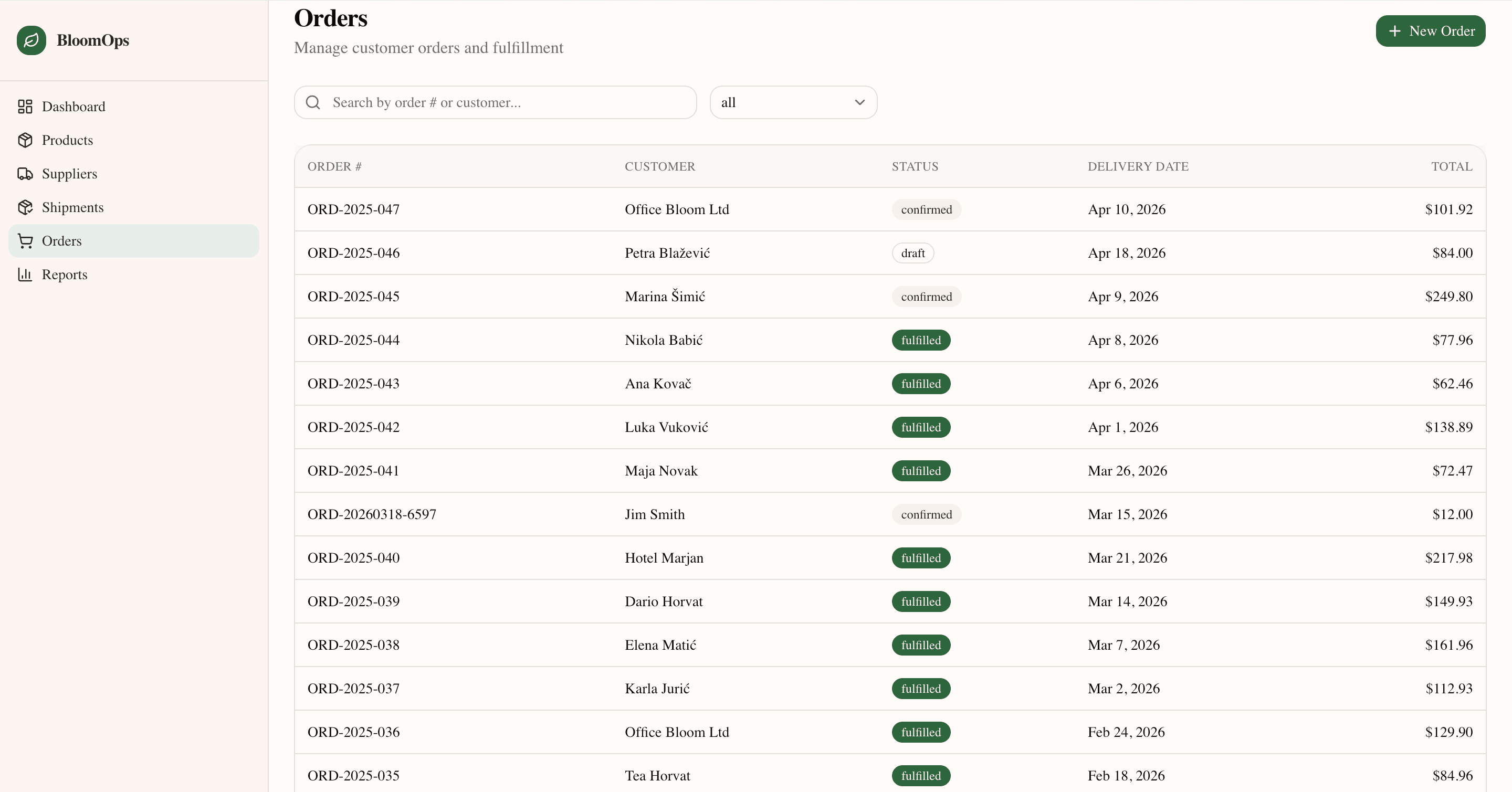
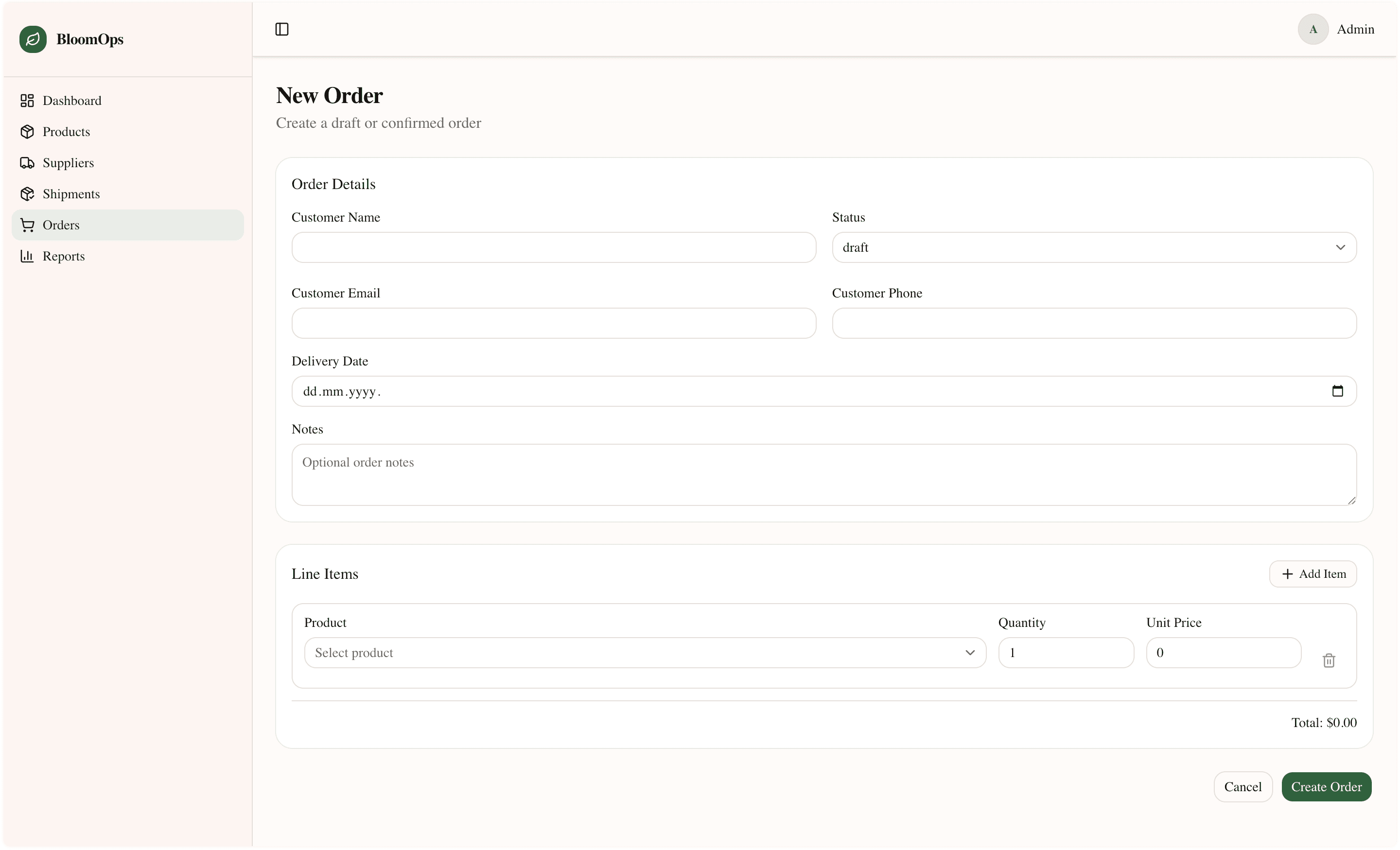
- Customer order management (draft → confirmed → fulfilled)
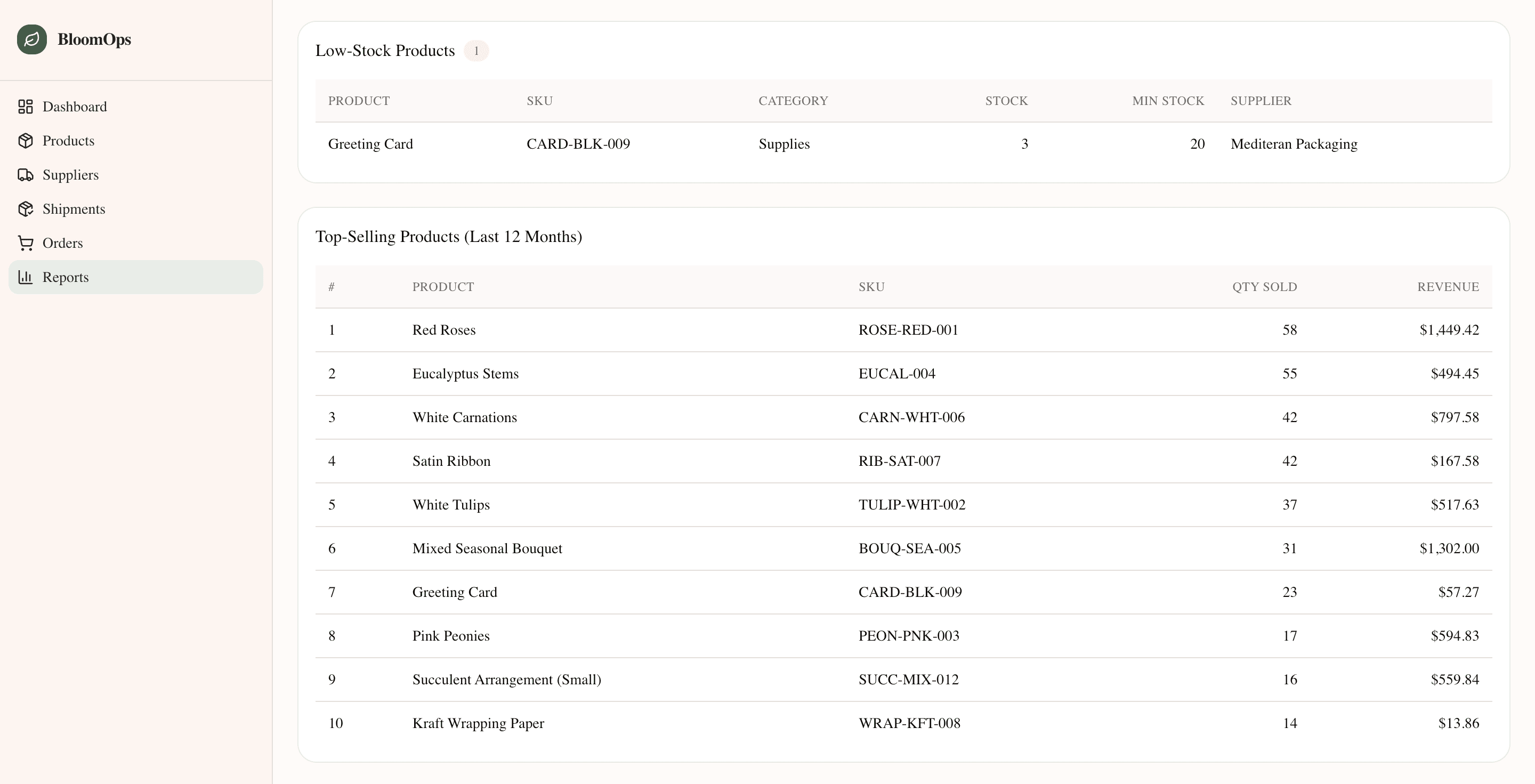
- Low-stock alerts and minimum stock thresholds
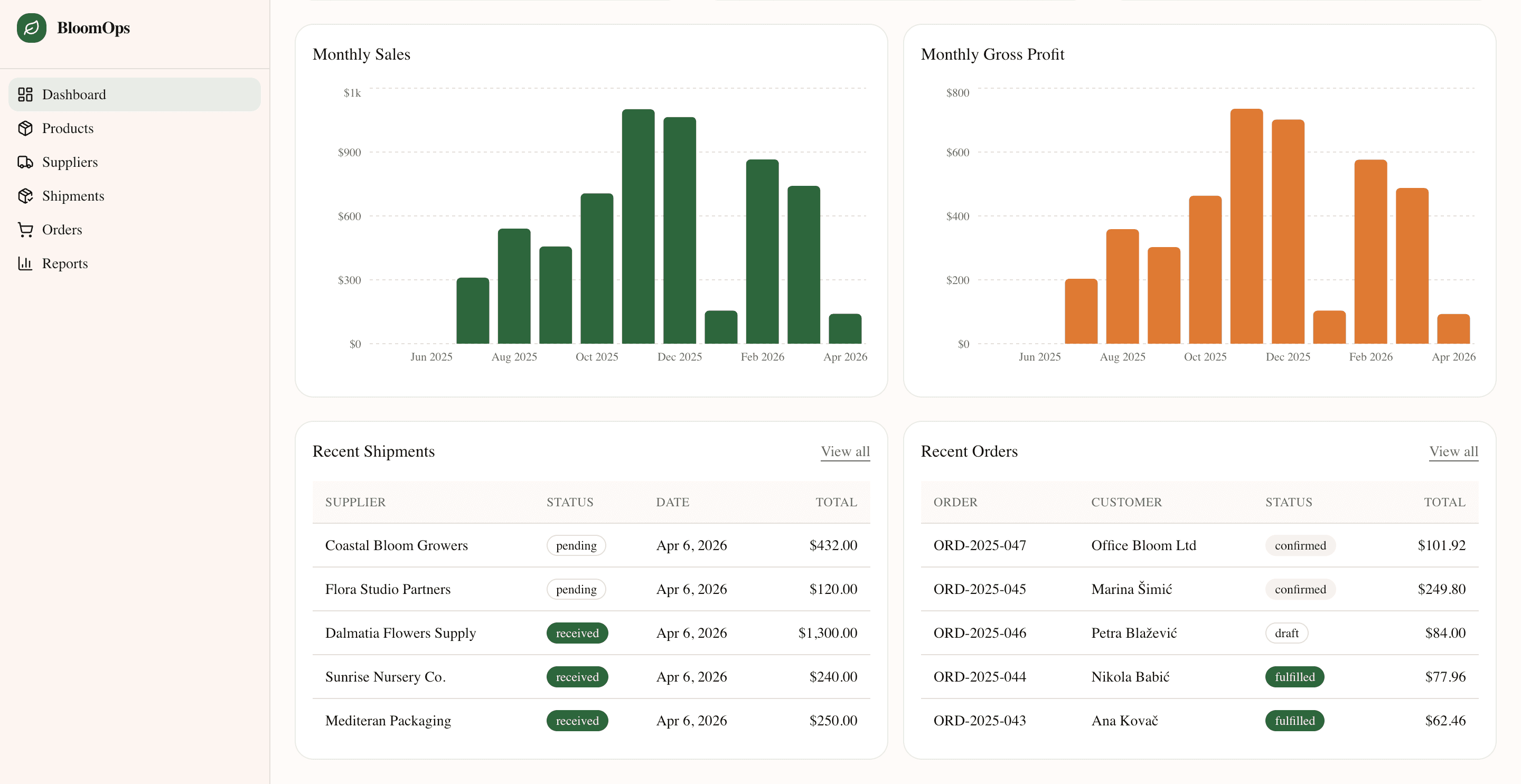
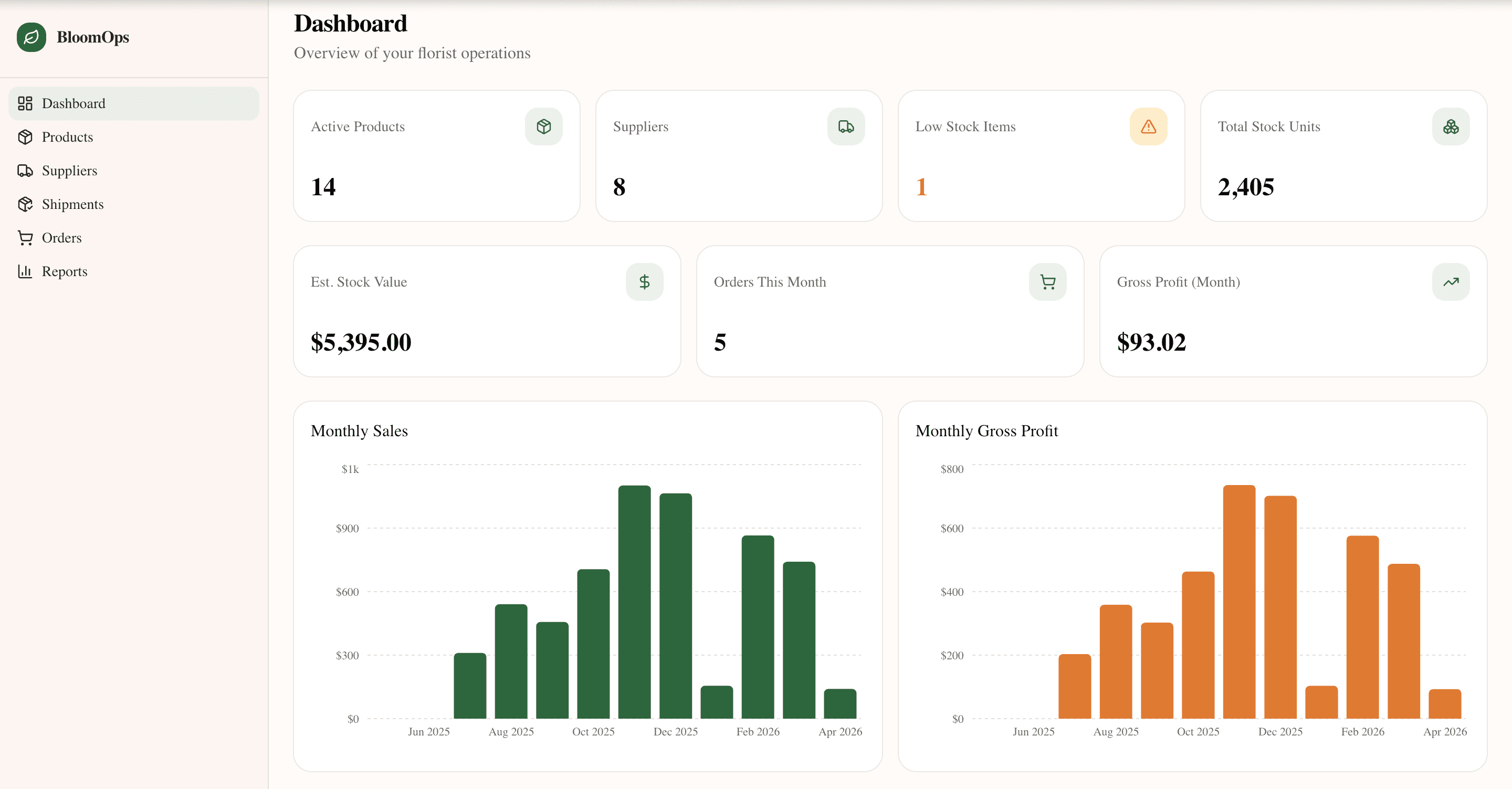
- Dashboard with live KPIs — stock value, gross profit, monthly sales
- Reports: stock by category, top-selling products, monthly sales & profit tables
Workflow
- Add suppliers and products
- Record incoming shipments to update stock
- Create customer orders and track fulfilment status
- Monitor dashboard for stock value and gross profit
- Review reports for top sellers and monthly trends
Screenshots
What I learned
- Domain constraints sharpen design. Building “inventory management” in the abstract would have been a features list. Building it for a florist forced specific decisions: perishable stock, seasonal ordering, cost-vs-sell margins on arrangements.
- Model the entity graph before writing components. Products linked to suppliers, suppliers to shipments, shipments updating stock, stock consumed by orders — getting that wrong would have meant rewriting half the app.
- A summary screen transforms perceived value. The dashboard KPIs are recalculated live. The moment I added them, the app went from feeling like a data entry tool to feeling like a business tool.
- Standardise forms early. Eight different CRUD forms that each looked slightly different would have felt like eight different apps.
Next steps
- Real florist feedback and workflow validation
- Multi-user / team access
- Invoice and receipt generation
- Low-stock email notifications